
Zoom - Logging in from a Laptop/Desktop Computer
This guide provides a step-by-step process on how to join a Zoom meeting using a personal link or ID. It is useful for individuals who want to quickly and easily access a Zoom meeting without any confusion or complications.
1. Navigate to https://zoom.us/
2. Click "Sign In"

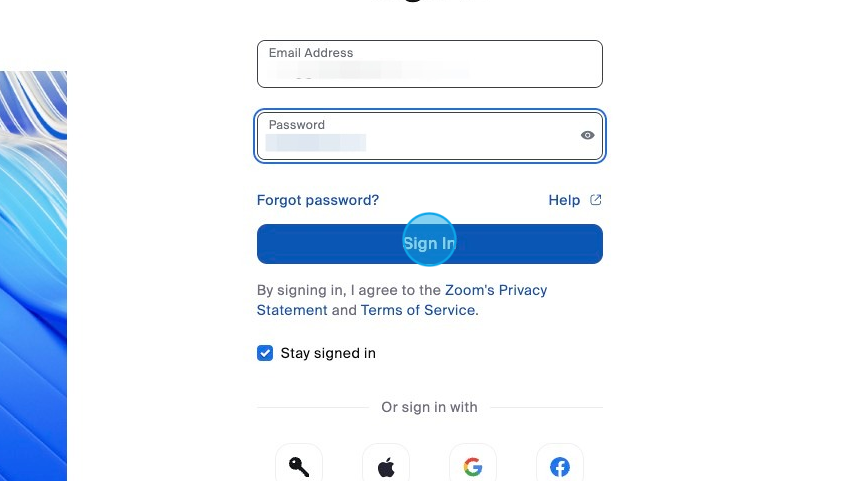
3. Log in to your personal Zoom account with your personal email and password.
Click "Sign In"
4. Click "Join"

5. Enter Meeting ID and Meeting Passcode when prompted.
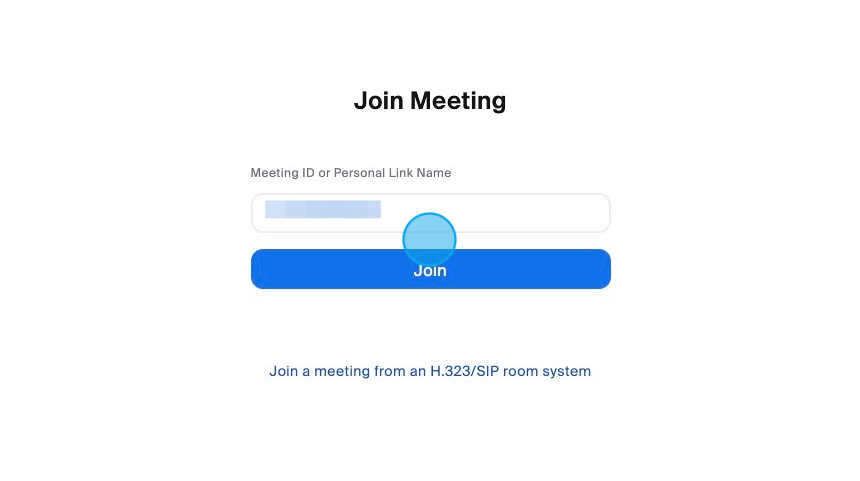
6. Click "Join"

Made with Scribe
Comments
0 comments
Article is closed for comments.