
- Step 1
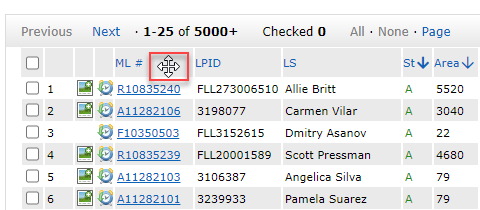
On the results grid, put cursor in gray column header. Your cursor will change to the Cross sign with the arrows, then left click: See below image for easy reference.
- Step 2
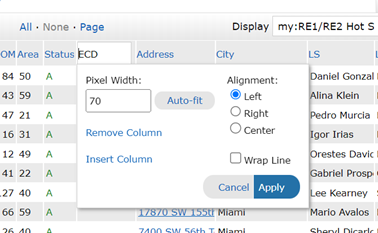
Click on Remove Column to remove selected column or Insert Column to add a new Column and select Apply to add to grid:
- Additional Tip
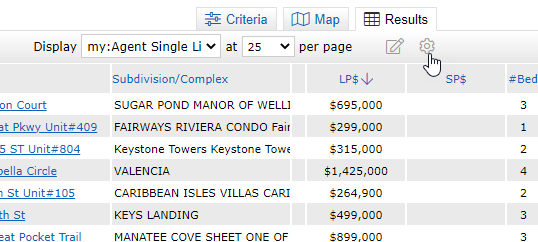
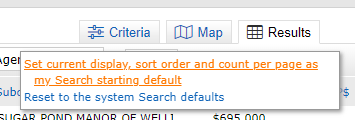
Once you have made desired changes, then click on the settings gear icon. Then ‘Set current display…as my starting default.’
Comments
0 comments
Article is closed for comments.